Natural
Official homepage for the Natural app
Official homepage for the Natural app
Natural helps you stay organized. You can sign in with Google to personalize your experience, view selected Gmail messages, and work with your Calendar events. Certain actions (like creating or updating calendar events, or sending emails) only occur when you explicitly request them in the app.
Demo: Demo video
App Download: Download APK
We access data only with user consent, use encryption to protect your data, never share with third parties, don't store content permanently, and allow revocation anytime in your Google Account permissions. Data is used only to provide in‑app features and is never sold or shared.
Privacy Policy: https://privacy.brain.ai/privacy-policy-en.html
Terms of Service: https://privacy.brain.ai/terms-of-service-en.html
These are the same links provided on the OAuth consent screen.
Our app requires Google Calendar API access for calendar management features.
Our app requires Gmail API access for email reporting and monitoring.
This homepage is public, static, and does not require login. It clearly identifies the app, describes core features, and explains how Google user data is requested and used.
Hello Review Team,
The following guide demonstrates how to navigate the Natural app to locate the Privacy Policy/Terms of Service and trigger the OAuth Consent Screen.
We have also included a summary below explaining why our app requires restricted scopes (Gmail/Calendar), which is consistent with our Privacy Policy.
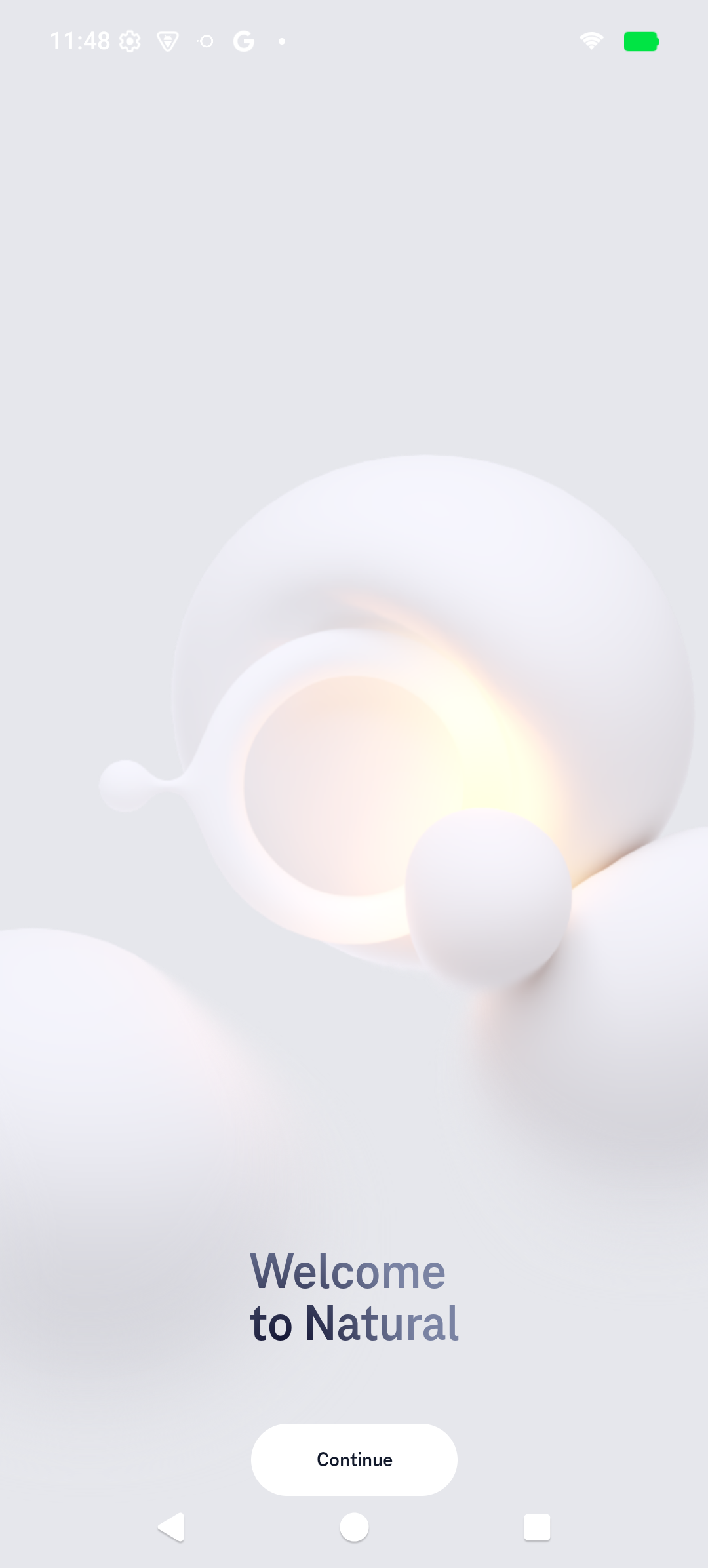
Start of the user journey.
Click Continue.
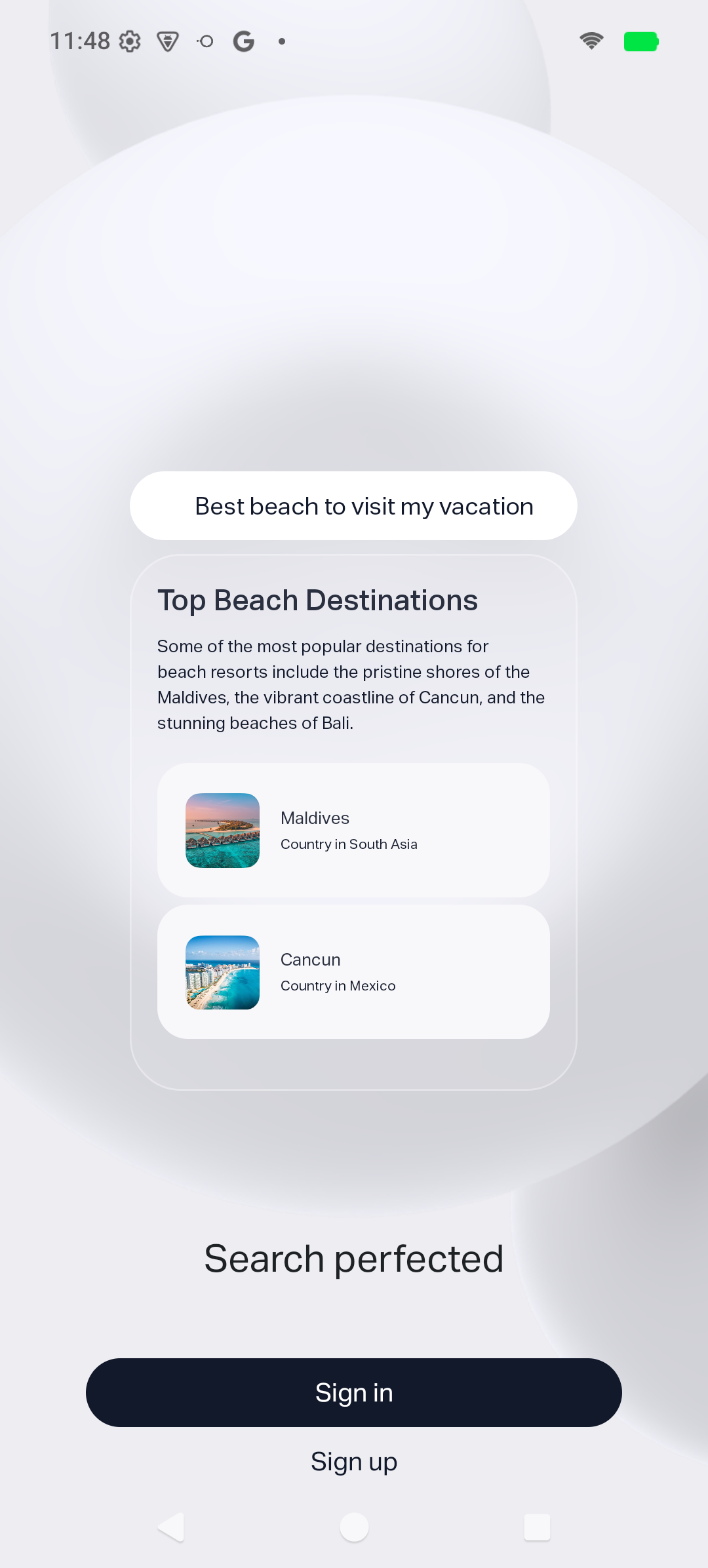
Click Sign up to locate legal documents.
Scroll to bottom and agree/continue to Privacy Policy.
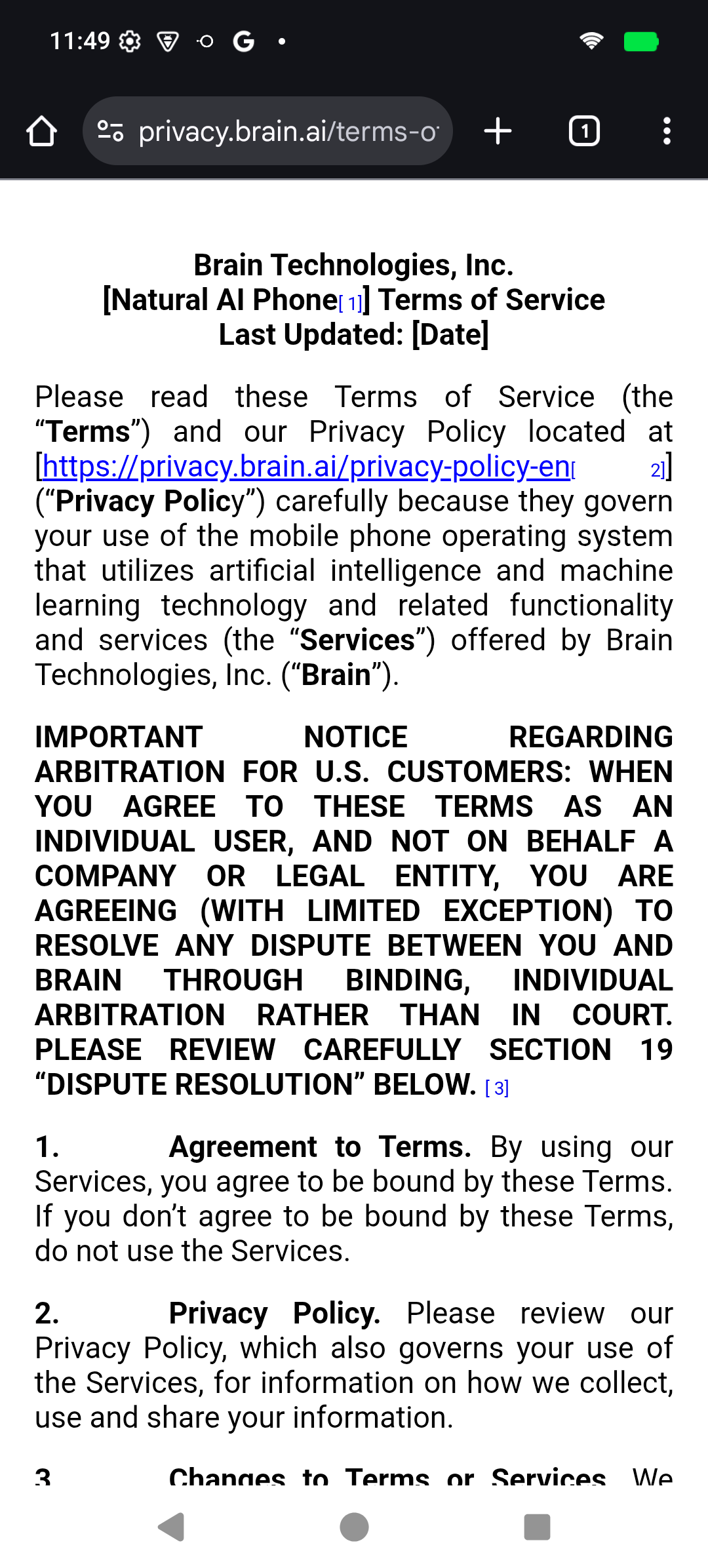
Important: This screen is shown to all users before account creation.
Confirm agreement to proceed to Sign In.

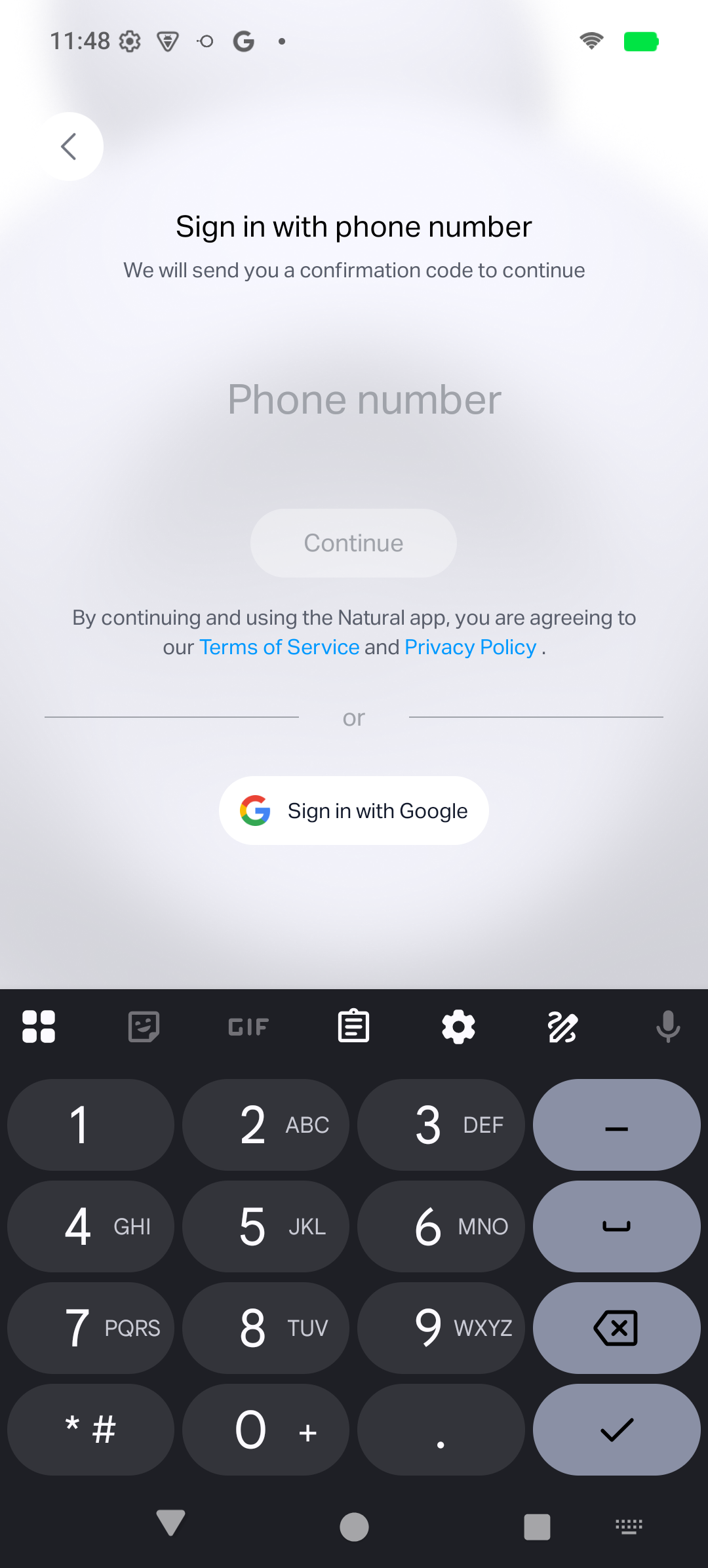
Click Sign in with Google to trigger the OAuth consent screen.